
How to Safely Install Blockbench Plugins
Introduction In the world of 3D modeling, plugins act as powerful multipliers for your creativity, adding blockbench plugins everything from complex animation tools to new export formats. However, because Blockbench plugins are essentially JavaScript code that runs directly on your computer. Installing it from unverified sources can pose
Read More
How to Install Blockbench Safely
Introduction Install the blockbench. In the world of 3D modeling, ensuring your creative tools are secure is just as important as mastering the art itself. Installing software from unverified sources exposes your system to malware, data theft, and instability that can ruin hours of hard work. This guide
Read More
Best Blockbench Settings for Stable Performance
Introduction Is your Blockbench viewport lagging behind your mouse movements, causing unstable performance? Make sure to enable the best blockbench setting, or turn a quick modeling session into a test of patience. Achieving stable performance isn’t just about owning expensive hardware; it is about configuring the software to
Read More
How to Completely Uninstall Blockbench
Introduction Uninstalling software should be a simple click-and-done process, but applications like Blockbench often leave behind hidden traces that clutter your system. Whether you are troubleshooting a persistent bug, freeing up disk space, or preparing for a clean installation, simply hitting “Uninstall” is rarely enough to remove every
Read More
Reset Blockbench to Default Settings
Introduction Have you customized your Blockbench interface so heavily that it is now unrecognizable, or are you dealing with persistent bugs that won’t go away? Sometimes, the best way to fix a broken workflow or a cluttered workspace is to wipe the slate clean and return the software
Read More
Using Blockbench with Multiple Projects Safely
Introduction Juggling multiple 3D models in blockbench at once is often necessary for building cohesive game assets, such as matching a sword’s scale to a character’s hand. However, opening half a dozen project tabs in Blockbench without a strategy is a recipe for disaster, leading to corrupted save
Read More
Recovering from Failed Blockbench Projects
Introduction There is no feeling quite as hollow as double-clicking your most important Blockbench project file, only to be met with a cryptic error message or a blank viewport. Whether caused by a sudden power outage, a software crash during a save, or a corrupted plugin, a failed
Read More
Blockbench Not Recommended Scenarios
Introduction Blockbench is undeniably the king of low-poly aesthetic and Minecraft modeling, offering an accessible entry point for thousands of 3D artists. However, treating it as a universal tool for every type of 3D production is a mistake that leads to frustration, wasted time, and subpar results. Recognizing
Read More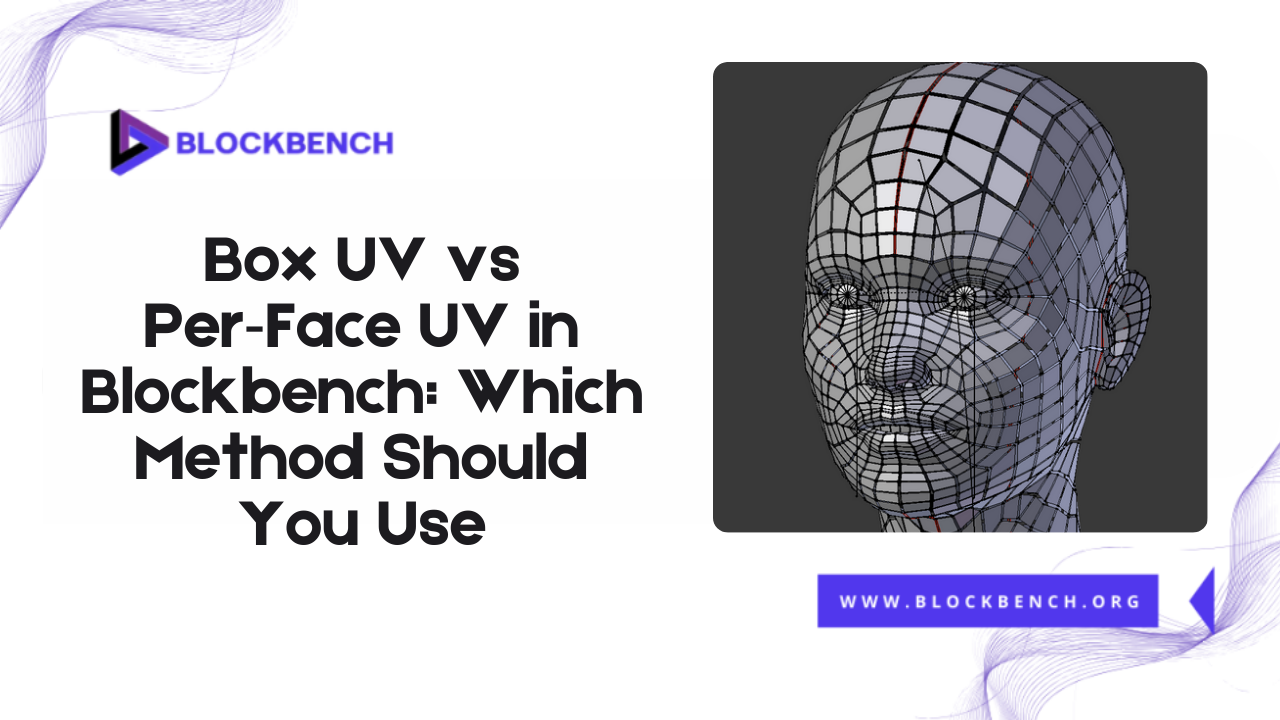
Box UV vs Per‑Face UV in Blockbench: Which Method Should You Use
Introduction To UV Mapping When creating 3D models for Minecraft or other voxel-based environments, UV mapping plays a crucial role in determining how textures are applied to the model. If you’re using Blockbench, one of the most popular free 3D modeling tools for low-poly and game-ready models, understanding
Read MoreBlockbench to Blender Workflow: How to Import, Modify, and Render Minecraft
Introduction Creating custom Minecraft models has become increasingly popular among gamers and designers who want to add a personal touch to their Minecraft worlds. While Blockbench is a user-friendly tool designed specifically for creating Minecraft models, Blender offers advanced 3D modeling, texturing, and rendering capabilities that can take
Read More